
To prevent yourself from deleting Opal or other apps, you may enable our App Uninstall Protection feature. If you enable this feature in conjunction with creating your Rules so that “no resets/no unblocks allowed,” you will be additionally unable to delete Opal while in a Rule. This feature may be enabled by following these steps:
- Tap on “Home”
- Tap on “Profile” (accessible from the top right corner)
- Tap on “Settings” (accessible from the top right corner)
- Scroll down to “Advanced”
- Toggle on “App Uninstall Protection”
If you do not see the App Uninstall Protection feature available, please ensure that you’ve updated to the newest iOS version here.
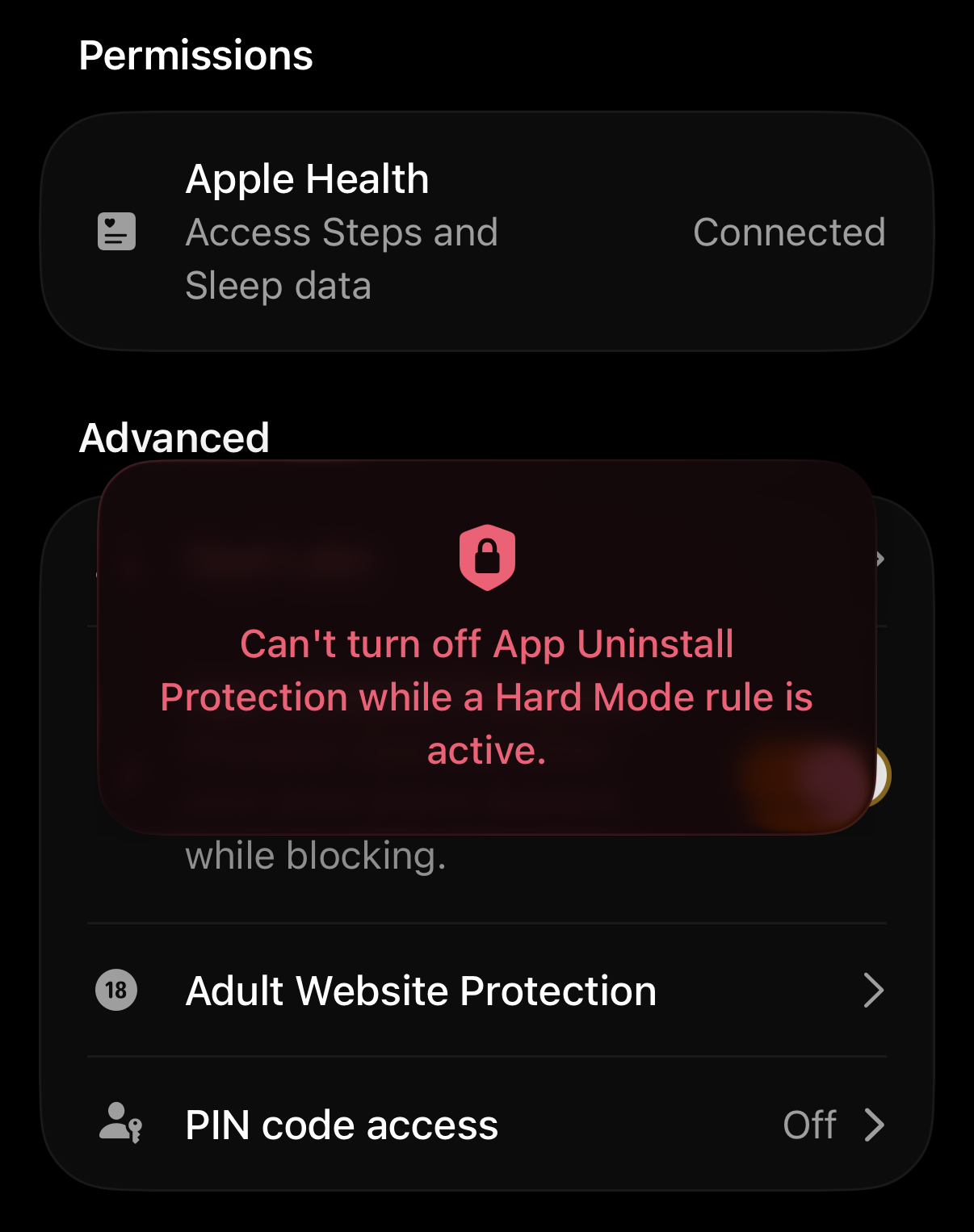
I want to turn off App Uninstall Protection!
To turn off App Uninstall Protection, you must first ensure that your Rules are not set to “no resets/no unblocks allowed.” To edit your Open Limit, please follow the steps here. To edit your Schedule, please follow the steps here. To edit your Time Limit, please follow the steps here. Please note that Opal’s Support team is not able to toggle off App Uninstall Protection on your behalf - instead, you must follow the instructions linked above.