
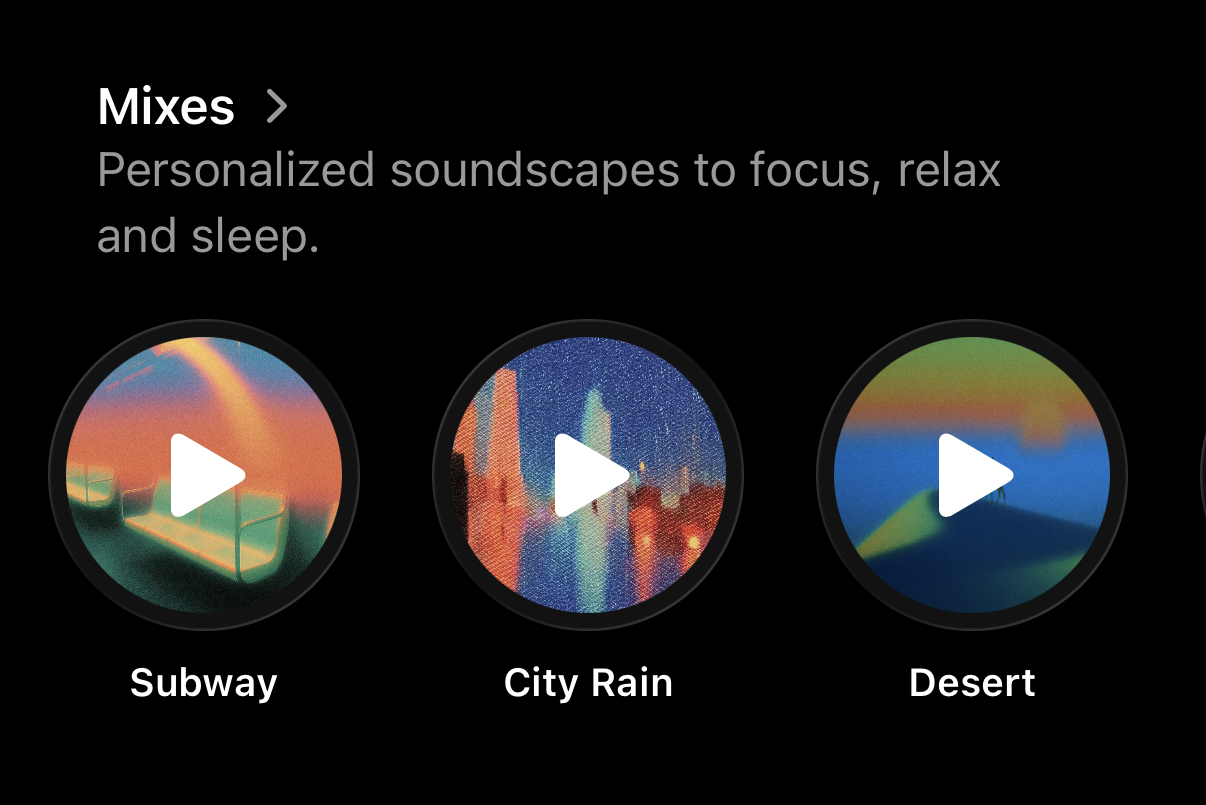
To help you focus, relax, and sleep, Opal offers Mixes, Sleep Stories, and Meditations. You may find these features on the “Timer” tab after you scroll down. Once you’ve arrived, you’ll find the following options available:
- Mixes: Personalized soundscapes to focus, relax, and sleep
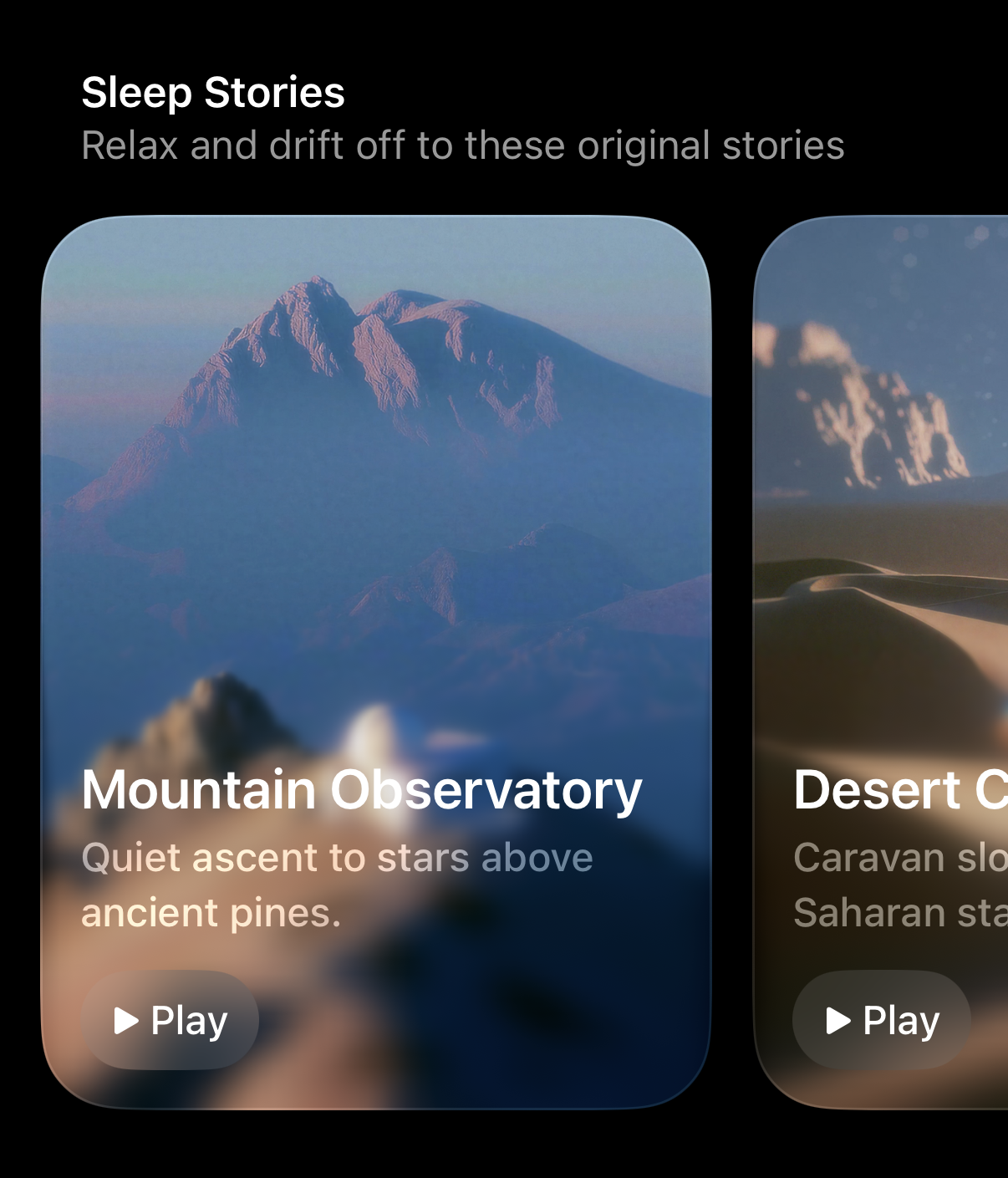
- Sleep Stories: Relax and drift off to these original stories
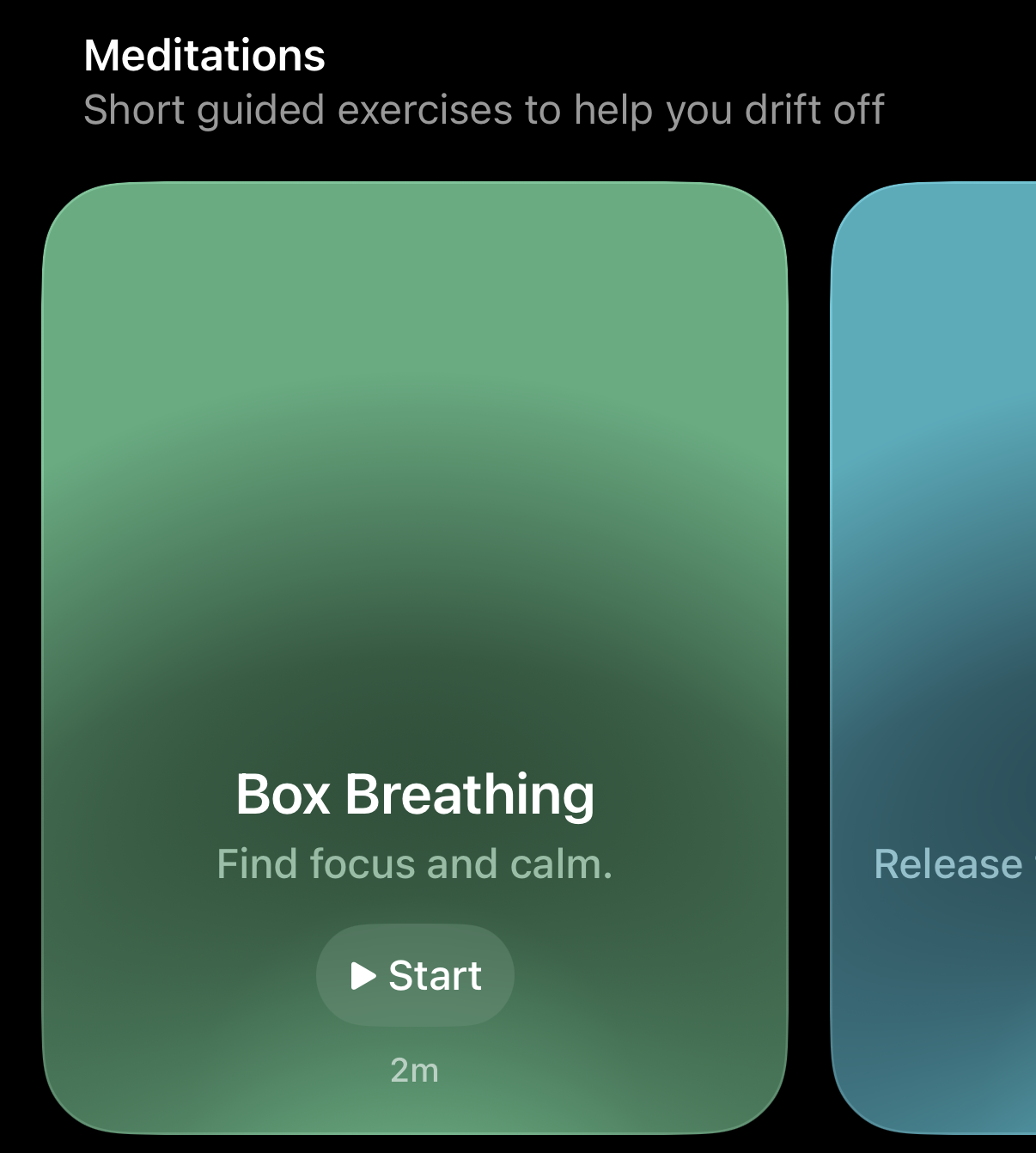
- Meditations: Short guided exercises to help you drift off
How do Mixes work on Opal?
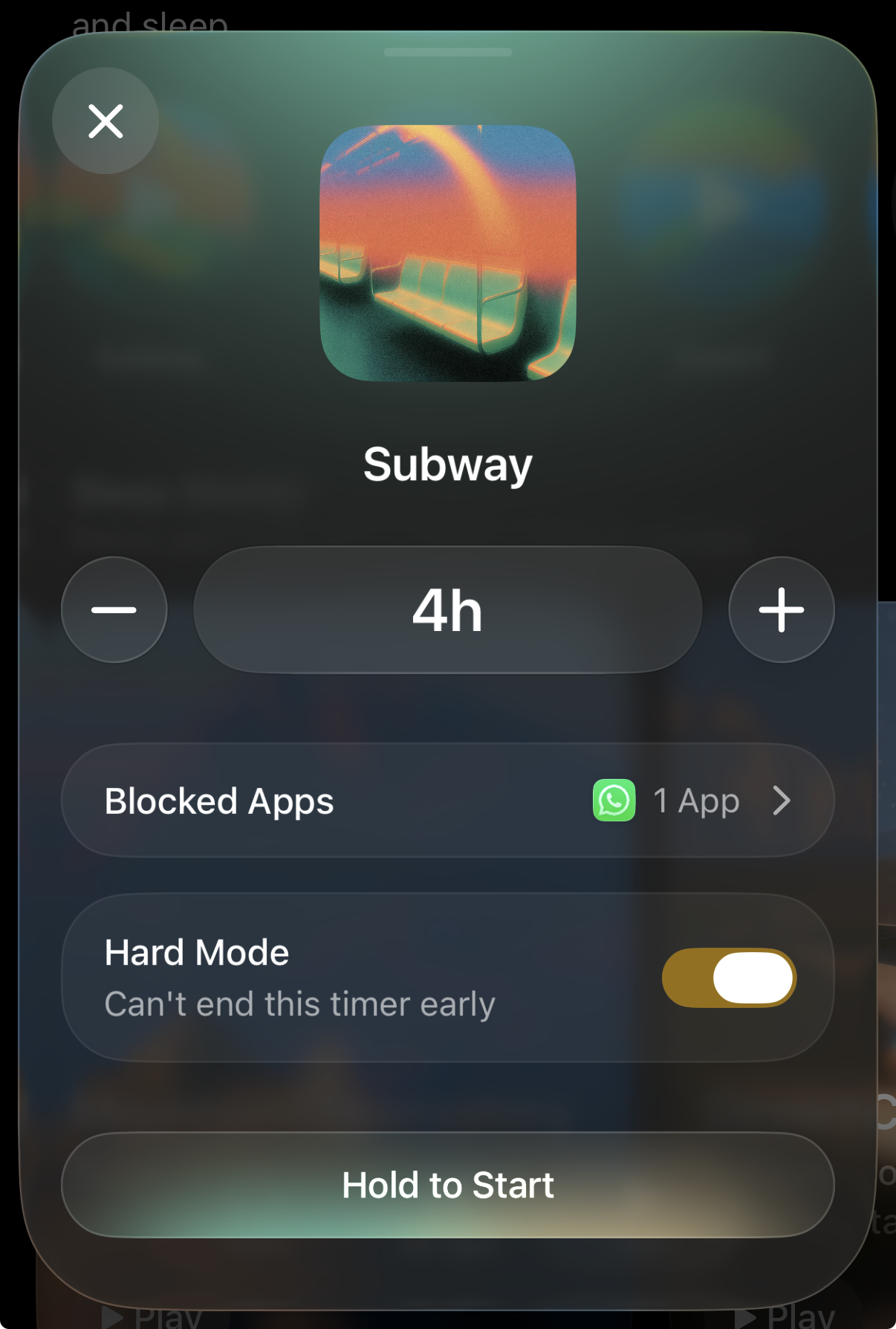
Mixes are personalized soundscapes to focus, relax, and sleep. Mixes will initiate a Timer. To listen to one of Opal’s Mixes, please follow these steps:
-
Tap on the Mix you’d like to listen to
-
Tap on the “+” or “-” toggle to add time
-
Tap on “Blocked Apps” to select which apps will be blocked while listening to your mix
-
Hard Mode
-
Toggle “On” so you will be unable to without redeeming your Emergency Pass
-
Toggle “Off” so you may exit the Timer
-
“Hold to Start”
How do Sleep Stories work on Opal?
Sleep Stories are designed to help you relax and drift off. To listen to one of Opal’s Sleep Stories, please tap on it. If you’d like to download the Sleep Story for offline listening (available if you upgrade to Opal Pro), please follow these steps:
- Tap the “…” icon in the top right corner
- Tap “Download”
How do Meditations work on Opal?
Meditations are short guided exercises to help you drift off. To do one of Opal’s Meditations, please tap on it. If you’d like to download the Meditation for offline listening (available if you upgrade to Opal Pro), please follow these steps:
- Tap the “…” icon in the top right corner
- Tap “Download”
‼️ Please note that all free users of Opal may access six Mixes, four Sleep Stories, and three Meditations. Meanwhile, the remainder of Mixes, Sleep Stories, and Meditations are available if you upgrade to Opal Pro.