
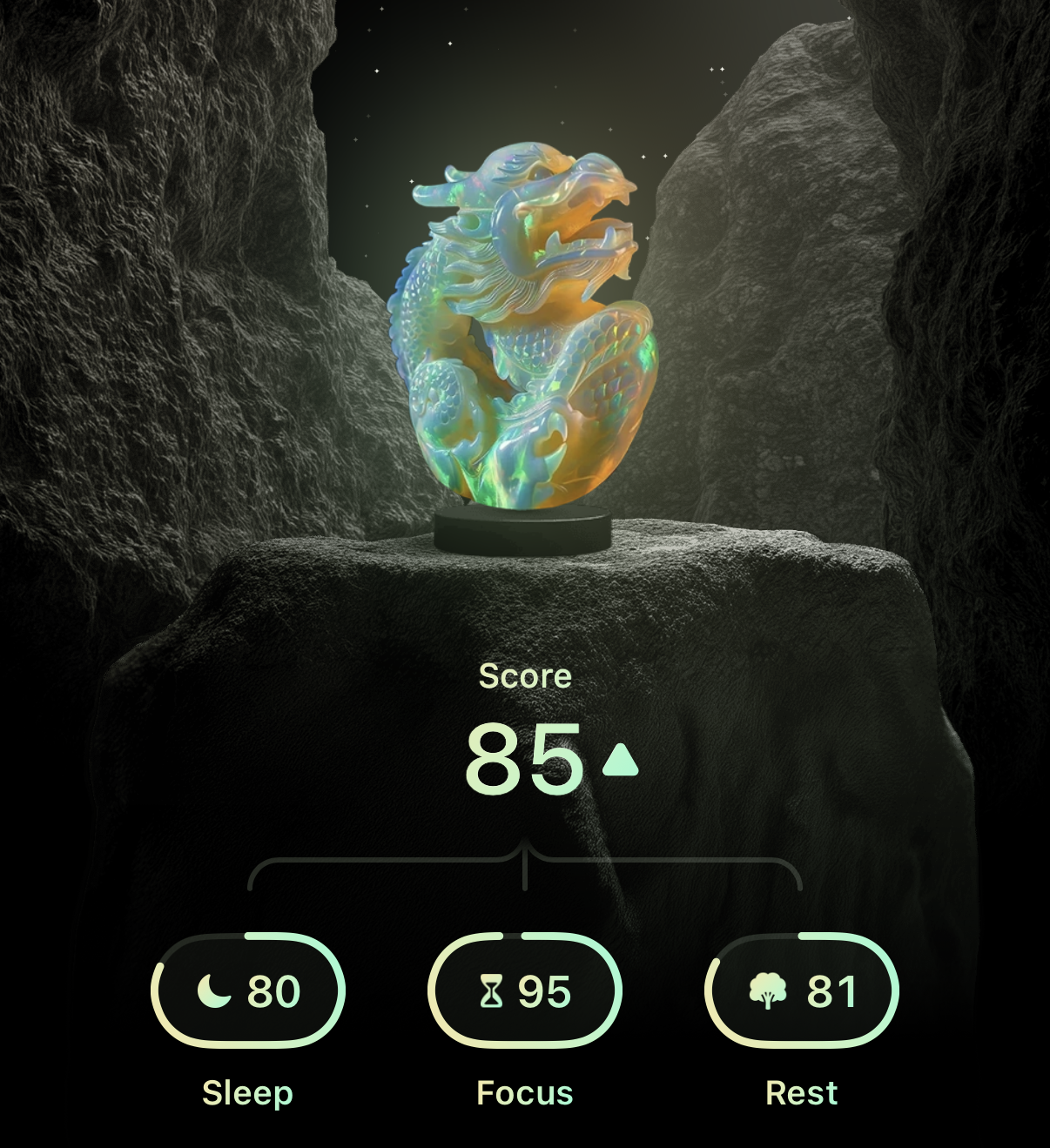
To help achieve your screen time goals, Opal calculates your daily Score by combining several metrics. To see the most recent updates your Score and your Screen Time metrics, ensure you are updated to the newest version of the app here. Once you’ve updated, the metrics you will see displayed are outlined below.
Sleep Score
The Sleep Score captures what happens before, during, and after sleep and how it affects your day ahead. The less time you spend touching or moving your device overnight, the higher your Sleep Score will be. The more time you spend touching or moving your device overnight, the lower your Sleep Score will be. It estimates:
- Screen Time (tap on the word displayed on the right side to see your Screen Time Today)
- Sleep (this is an estimate of how long you spent sleeping)
- First Pickup (shows the time of first pickup on the left, and rates that metric on the right)
- Last Scroll (shows the time of last pickup on the left, and rates that metric on the right)
- Phone in Bed
- First Hour Phone Use
Focus Score
The Focus Score tracks distractions and shows how your habits shape your ability to do deep work. If you spend less time on your device, your Focus Score goes up. If you spend more time on your device, your Focus Score goes down. You may see your score for today on the left, and how that differentiates from yesterday on the right. It estimates:
- Screen Time (tap on the word displayed on the right side to see your Screen Time Today)
- Distractions (shows how many minutes you’ve spent on apps)
- Phone Pickups (shows how many on the left, and rates that metric on the right)
- Unblocks Taken (shows how many on the left, and rates that metric on the right)
Rest Score
The Rest Score captures how well your body and mind recharge during the day. If you spend less time on your device and more time moving, your Rest Score goes up. If you spend more time on your device and less time moving, your Rest Score goes down. It estimates:
- Screen Time (tap on the word displayed on the right side to see your Screen Time Today)
- Offline (estimates your time offline on the left, and rates that metric on the right)
- Sitting (estimate the percentage of the day you spent sitting on the left, and rates than metric on the right)