
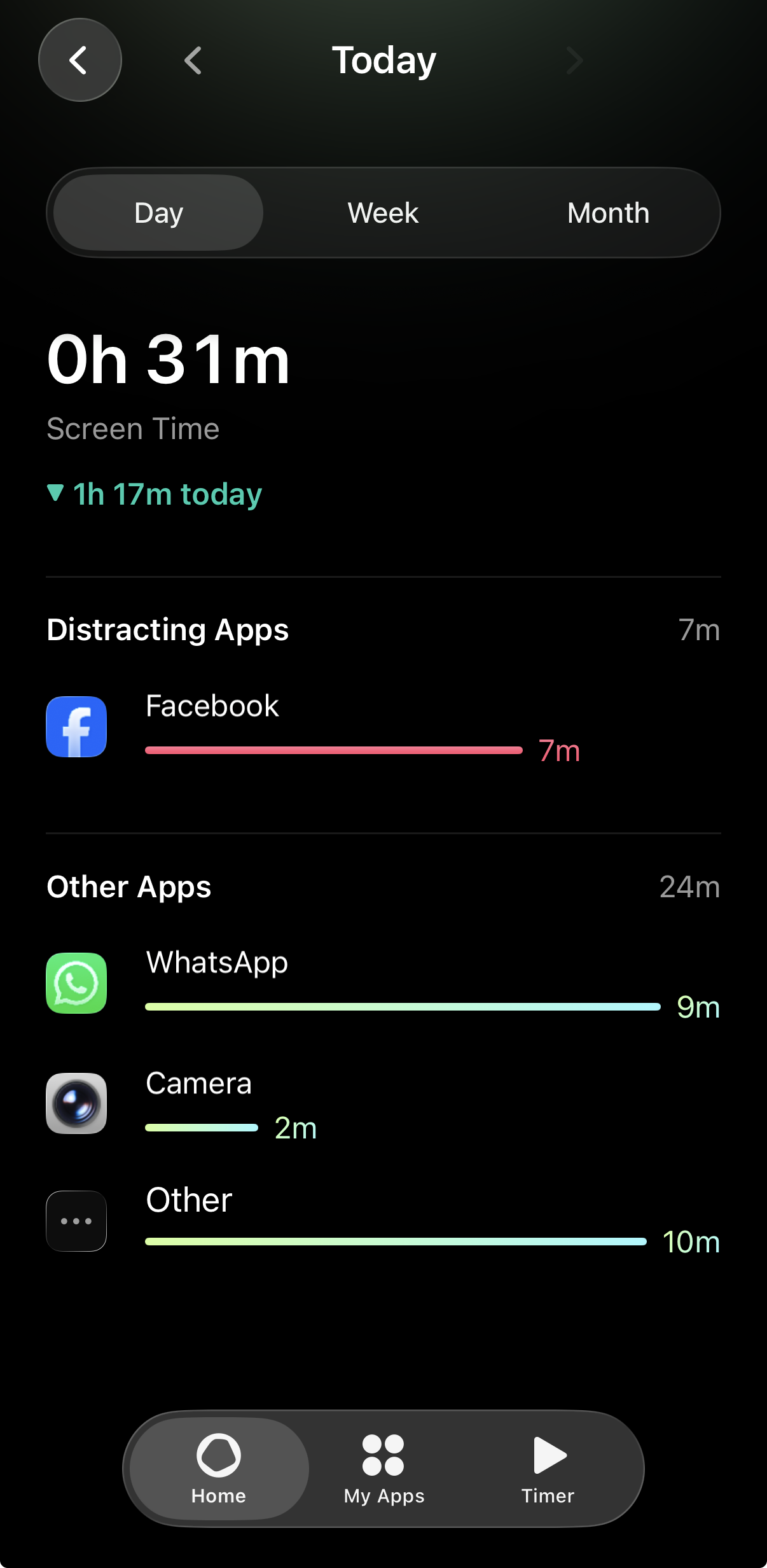
To view your daily Screen Time metrics within Opal, ensure that you are updated to the newest version of the app here. Once you’re updated, follow these steps to see your screen time:
- Tap on “Home”
- Tap on “Sleep,” “Focus,” or “Rest”
- Your daily Screen Time will be rated
- Tap the > toggle to the right of your Screen Time to view more comprehensive metrics
Once you’ve navigated there, you will see the following metrics:
- Your total Screen Time spent today
- Time spend on Distracting Apps
- Time spent on Other Apps
You also have the option to view your daily, weekly, and monthly metrics. To view them, tap on each option.