
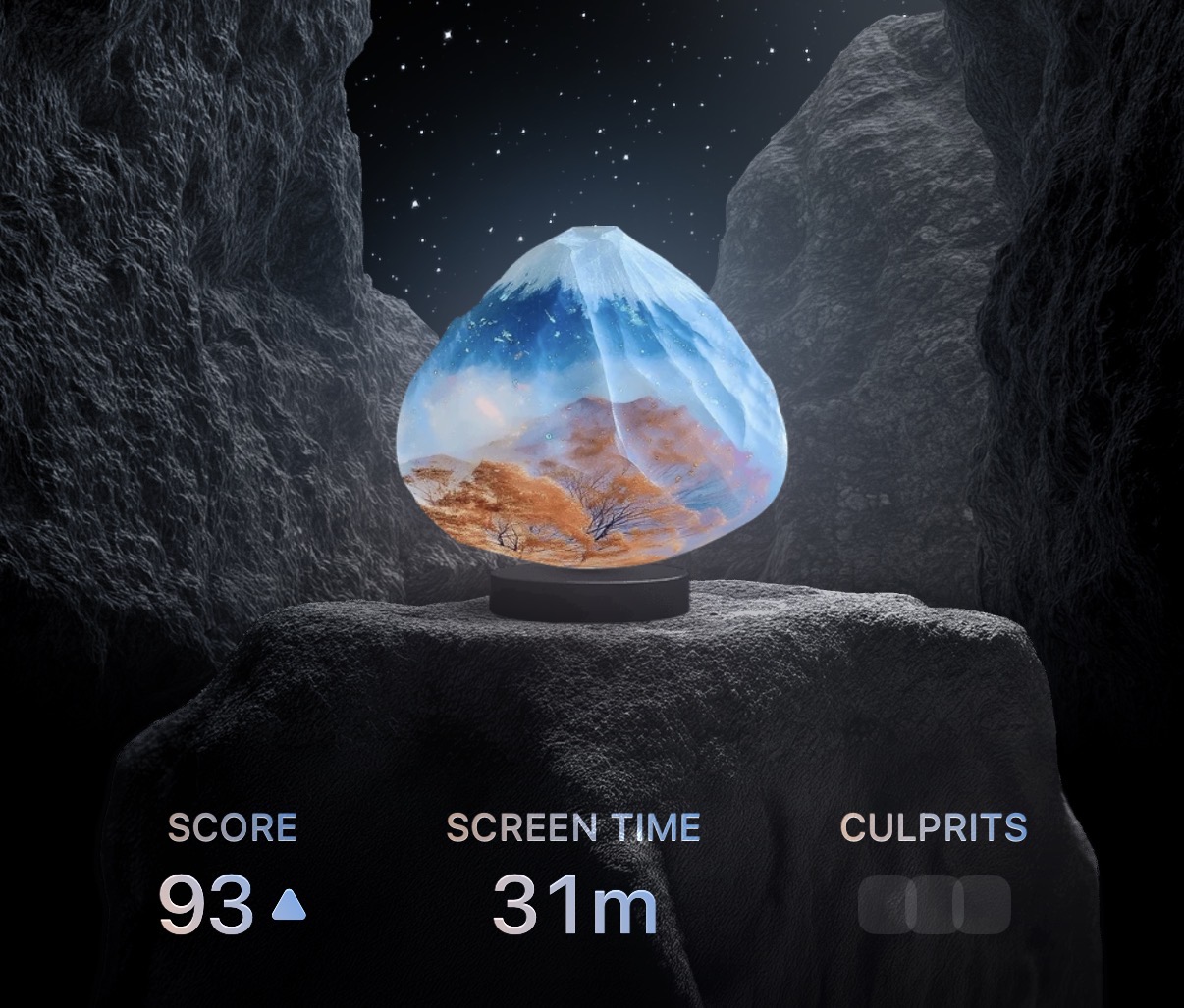
To view your daily Screen Time on the “Home” tab within Opal, ensure that you are updated to the newest version of the app here. Once you’re updated, you may view the following metrics about your Screen Time:
- Tap on “Home”
- Tap on “Screen Time”
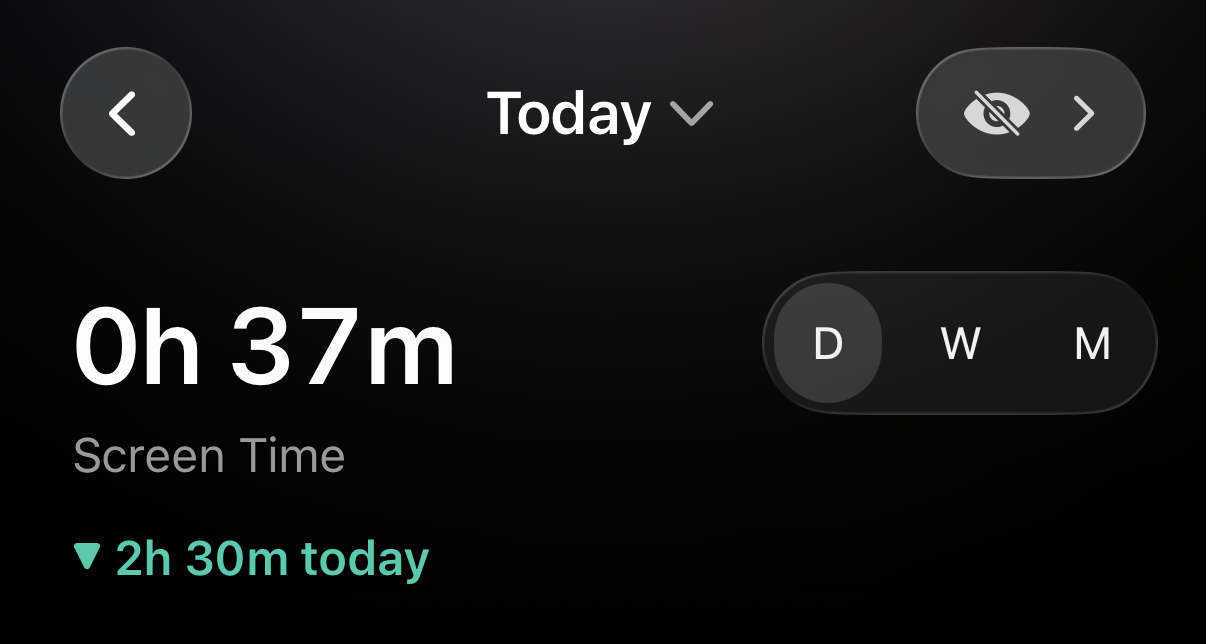
- Tap on “D” to see your Daily Screen Time Metrics
- Tap on “W” to see your Weekly Screen Time Metrics
- Tap on “M” to see your Monthly Screen Time Metrics
How do I exclude apps from my Screen Time on Opal?
To exclude apps from your Screen Time on Opal (aka set those apps as “Neutral”), follow these steps:
- Tap on “Home”
- Tap on “Screen Time”
- Tap on the eye icon in the top right corner
- Tap on “+Add App”
- Select the apps you’d like to exclude from your Screen Time
Once that is complete, the apps you’ve selected will be excluded from your Screen Time on your “Home” tab within Opal. However, you may still see time spent on “Excluded” apps in your Daily, Weekly, and Monthly metrics if you scroll down.