
To enable access to Apple Health so Opal may more accurately track your Focus, please take the following steps:
- Exit the Opal app
- Navigate to your device “Settings”
- Tap on “Apps”
- Tap on “Health”
- Tap on “Data Access & Devices”
- Tap on “Opal”
- Tap on “Turn On All”
If those steps do not match what you’re seeing on your iOS device, please follow the steps here.
How do I disable Opal’s access to Apple Health?
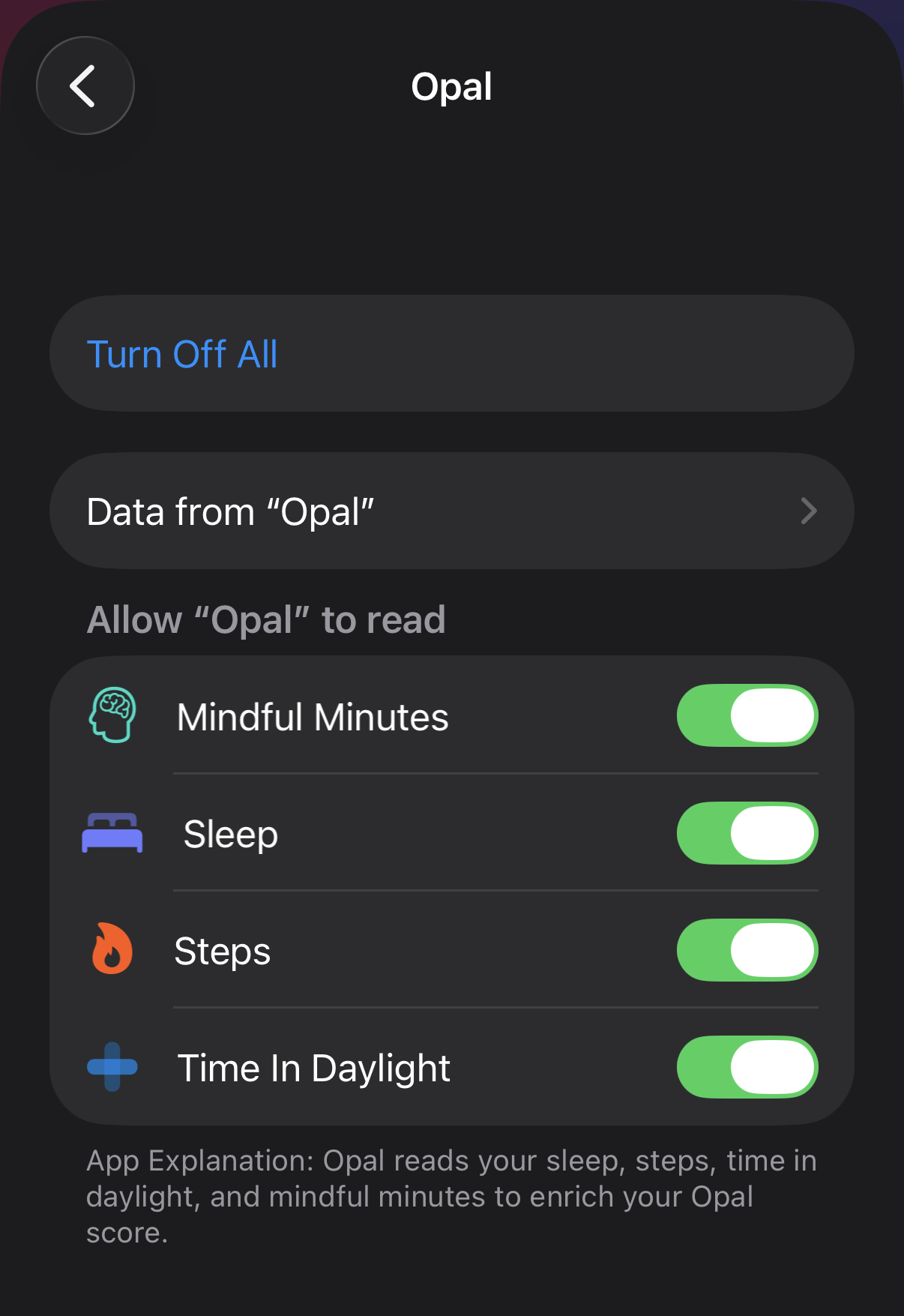
To disable Opal’s access to Apple Health, follow these steps:
- Exit the Opal app
- Navigate to your device “Settings”
- Tap on “Apps”
- Tap on “Health”
- Tap on “Data Access & Devices”
- Tap on “Opal”
- Tap on “Turn Off All”