
You may have observed that the Sleep Assist feature has changed on the newest version of Opal! We’re working to improve the experience, but in the interim, you should be able to use our Sleep features in the following ways:
- If you had an existing Sleep Assist setup with Wind Down and Morning Assist enabled, you will now see two Open Limits with resets allowed. Please look at your Open Limits and edit them if desired
- If you had an existing Sleep Assist setup with Full Sleep Assist and Full Morning Assist enabled, you will now see two Schedules with no unblocks allowed! Please ensure that you look at your Schedules and edit them prior to them going live
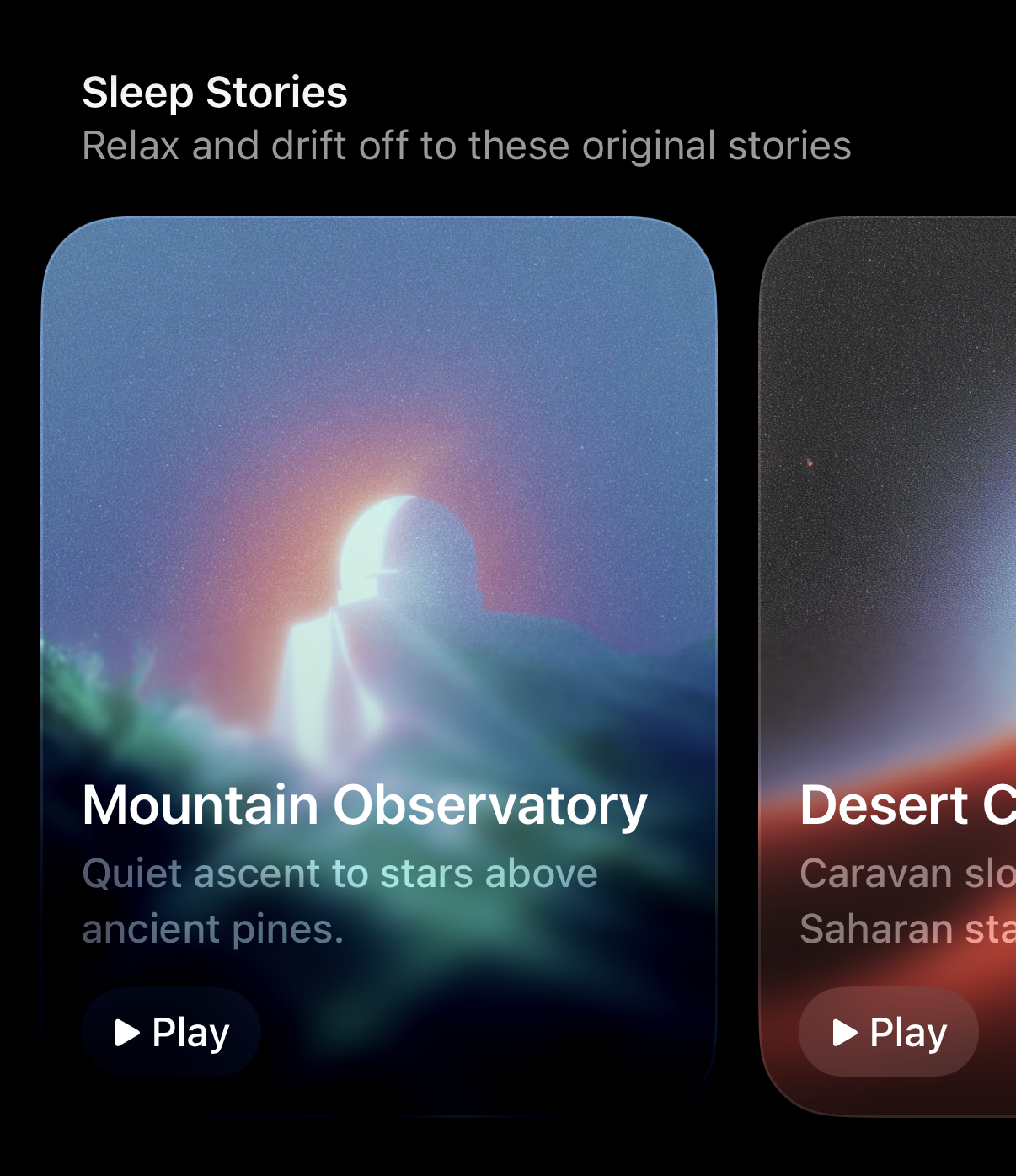
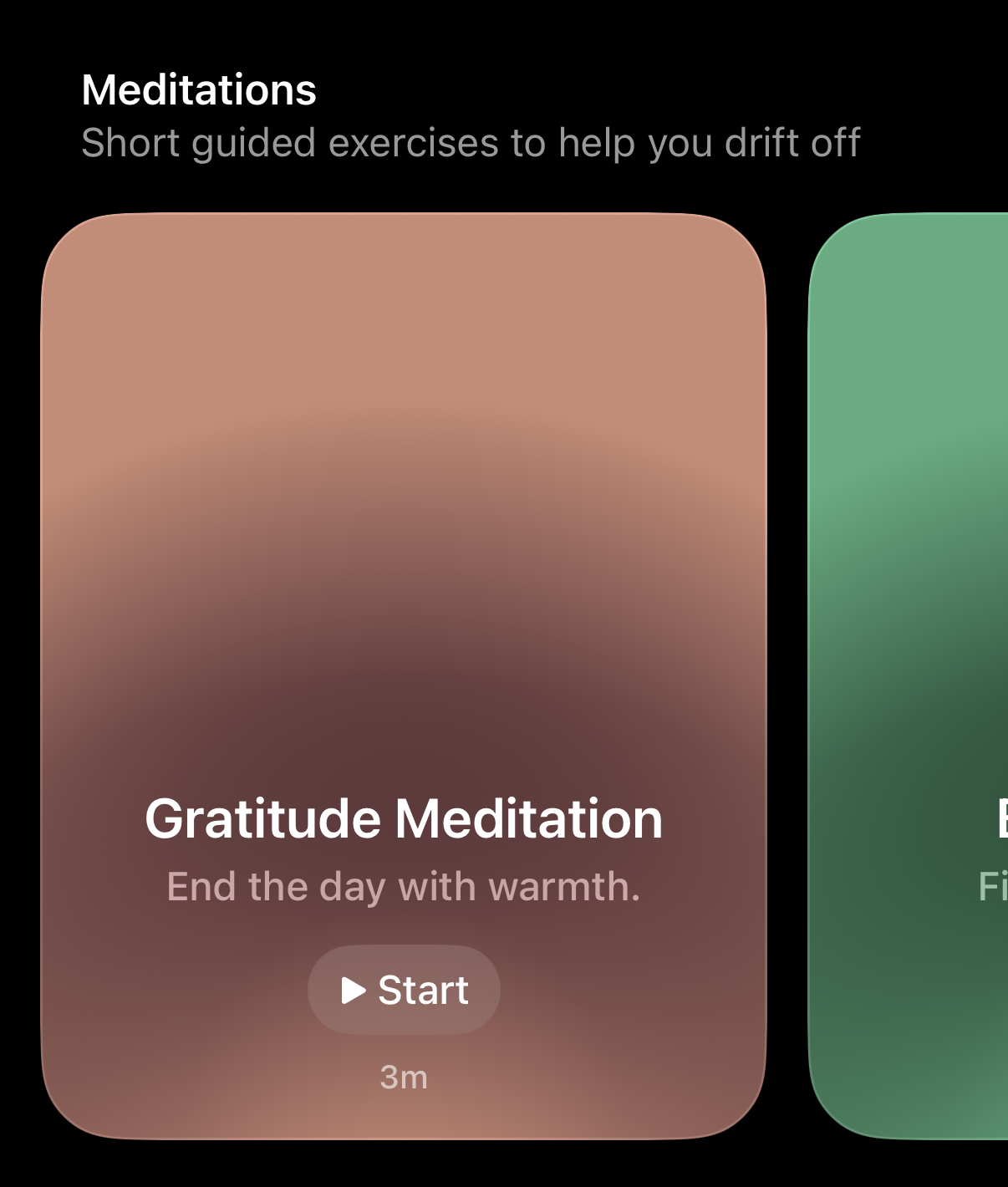
Otherwise, you are also welcome to setup an overnight Schedule to ensure your Sleep remains unaffected. You are also welcome to use our Mixes, Sleep Stories, and Meditations to assist you with a healthy sleep. To access those features, please follow these steps:
- Tap on the “Timer” tab
- Scroll down
- Tap on “Mixes” to hear personalised soundscapes to focus, relax and sleep
- Tap on the story you’d like to hear below “Sleep Stories”
- Tap on the short guided exercises listed below “Meditations”
I want more Sleep features in Opal!
We’ll be re-implementing more options within our Sleep Assist in the near future. In the interim, we’ve implemented the changes above to improve the Sleep Assist experience. Otherwise, please stay tuned and ensure that you’ve updated to the newest version of the app to enjoy the most recent Sleep Assist features in Opal.