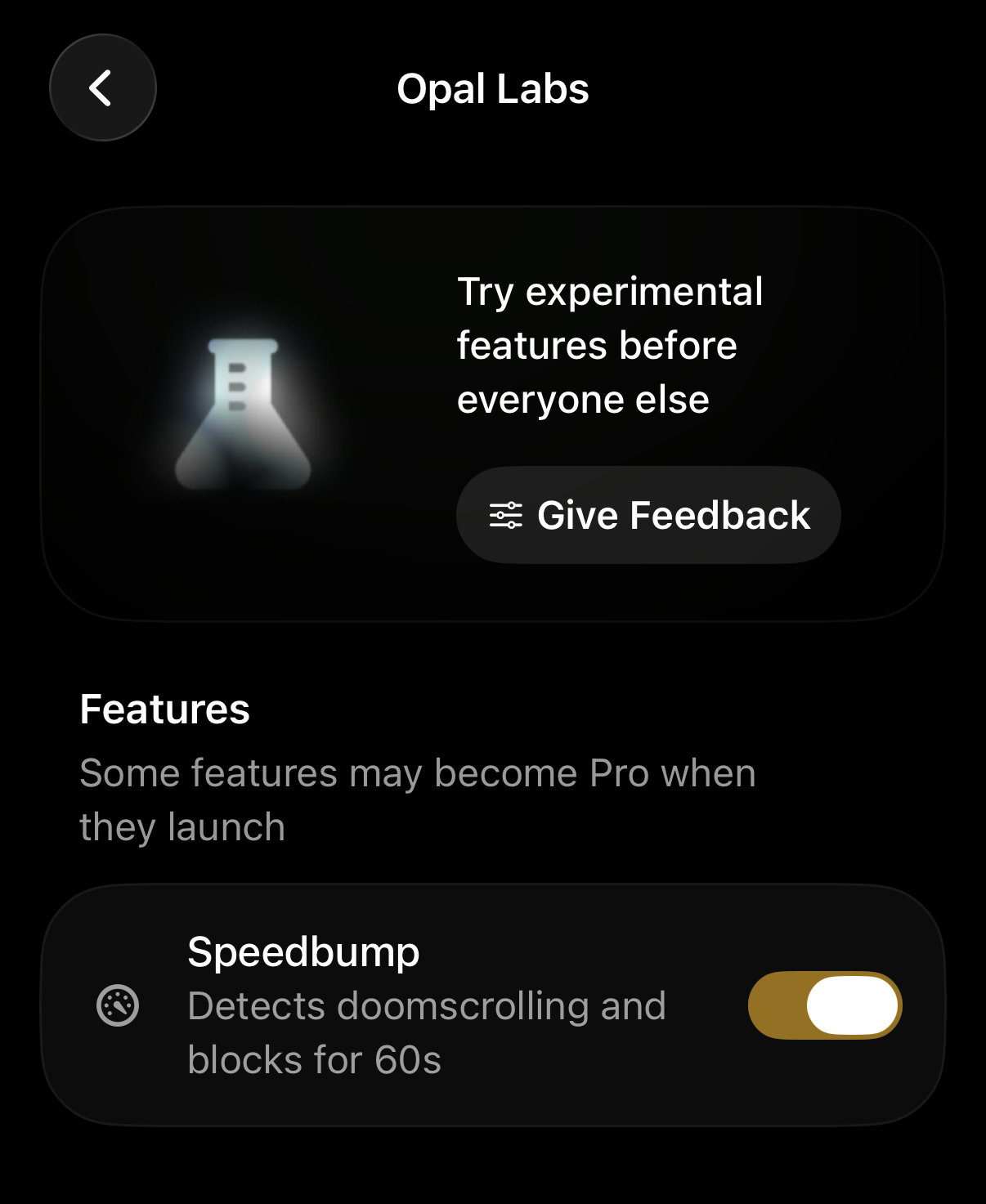
To try experimental Opal features before everyone else, you are welcome to enable them via Settings. To set them up, take the following steps:
- Tap on “Home”
- Tap on “Profile” (accessible from the top right corner)
- Tap on “Settings” (accessible from the top right corner)
- Tap on “Opal Labs”
There, you may toggle On any impending Opal features you’d like to test and Give Feedback when necessary.